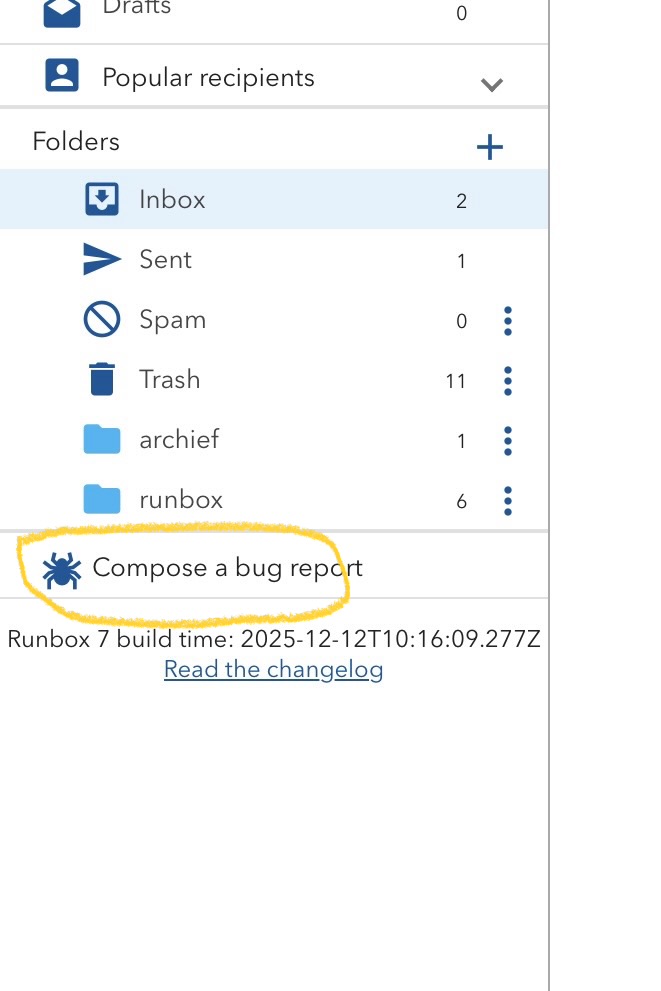
Scanning through my inbox, I like to have the folder list open on the left (so I can quickly switch to “Sent” for example) and the current message text open on the right. But in Runbox 7 this causes problems because there seem to be no up/down arrows for switching to the next or previous message.
Worse yet, if I switch back to the message list on the right by clicking “Inbox” in the folder list, the next (newer) message is no longer visible in that list. The only way I’ve found to show the full list again is to click some other folder and then click back to “Inbox.” But then I’ve lost my place in the message list because nothing is highlighted.
This seems unnecessarily awkward. I must be missing something! – jclarkw2
bburg – Fantastic! I told you that I’m a newbie, but should have thought of that.
Do you happen to know if it’s possible to replace the folder list (left side of my screen) with the list of messages in that folder so that I can simultaneously see all the messages and the one I’m reading/answering?
Does anyone else know if it’s possible to replace the folder list (left side of my screen) with the list of messages in that folder so that I can simultaneously see all the messages and the one I’m reading/answering?
Dear bburg – Thanks again for getting me on the right track. With a Vertical, Full Height preview panel, and after clicking the Hide Folder List toggle, I finally have more or less what I wanted. It’s tricky, however, for a couple of reasons:
I have to adjust the boundary between the Message List column and the Preview column to get a reasonable space balance, but this adjustment often reverts after certain other clicks (not yet determined).
There seems to be no complete explanation of the various controls (in Runbox 7) and their consequences anywhere that I can find.
Both of these attributes give the strong impression of a work in progress rather than software ready for prime time. This seems rather surprising given how long it’s apparently been under development. Runbox 6 seems much more stable, although the search facility and speed of response of 7 are major improvements.
I guess I’ll keep struggling with 7 for a while… Thanks much for your invaluable help! – jclarkw2
P.S. – Here’s another specific question: As I make the Message List narrower, it changes to showing the first line of the message below the heading. This happens whether or not “Inline Previews” is turned off. Is there some way to prevent this?
Both of these attributes give the strong impression of a work in progress rather than software ready for prime time. This seems rather surprising given how long it’s apparently been under development. Runbox 6 seems much more stable, although the search facility and speed of response of 7 are major improvements.
It’s the longest development ever, and it’s not finished yet, as you’ve probably already discovered. I’m also afraid it will never be finished, but no one at Runbox dares to pull the plug.
P.S. – Here’s another specific question: As I make the Message List narrower, it changes to showing the first line of the message below the heading. This happens whether or not “Inline Previews” is turned off. Is there some way to prevent this?
This is another one of those unpredictable behaviors in Runbox 7. You can submit a bug report from within the app.
P.S. The notification of your reply to this post ended up in my spam folder. Come on, Runbox…